Google Authenticator
App · Google · Utilities
Get Google Authenticator on the official store
We never host downloads — install from the official store.
Overview
Google Authenticator is a Utilities app from Google.
It is listed on both iOS and Android.
On the App Store, Google Authenticator is free to install, is at version 5.0.0, sits in the Utilities category, carries a 4+ content rating, holds 4.9 from 1,112,405 ratings, and shows 10 screenshots.
On the Google Play, Google Authenticator is free to install, sits in the TOOLS category, carries a Everyone content rating, holds 3.8 from 663,105 ratings, and shows 10 screenshots.
The App Store and Google Play ratings are listed side by side exactly as each store reports them, and are never averaged into a single score.
findmyapps.net shows each store's listing as published and links out to the official App Store and Google Play pages; the stores' ratings are shown separately and never combined, and no downloads are hosted here.
Prices, versions, and ratings reflect the most recent check of the official stores and can change at any time, so confirm the current details on the official App Store and Google Play pages before installing Google Authenticator.
About Google Authenticator
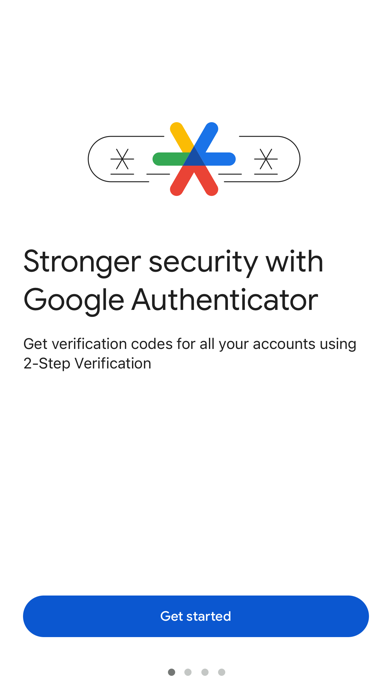
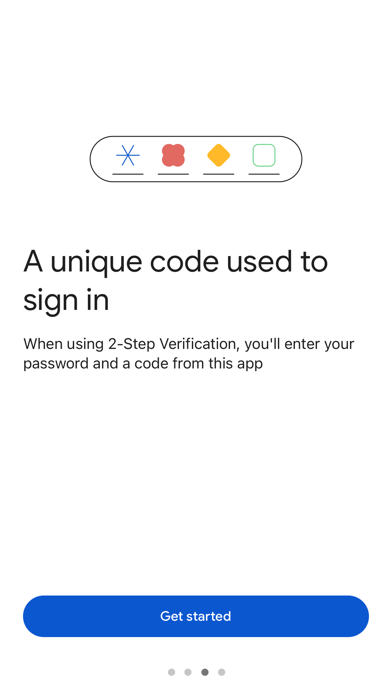
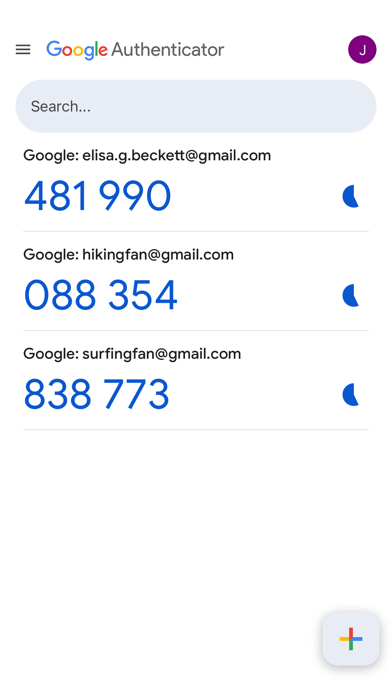
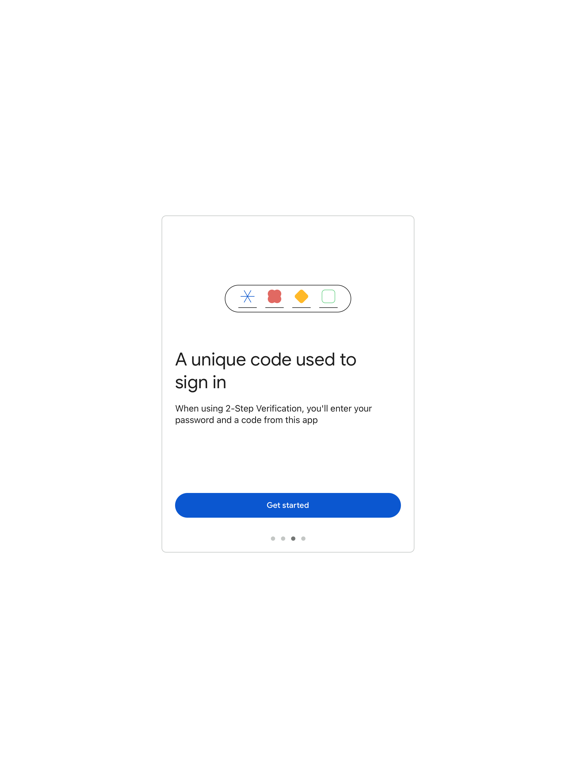
Google Authenticator adds an extra layer of security to your online accounts by adding a second step of verification when you sign in. This means that in addition to your password, you'll also need to enter a code that is generated by the Google Authenticator app on phone.
The verification code can be generated by the Google Authenticator app on your phone, even if you don't have a network or cellular connection.
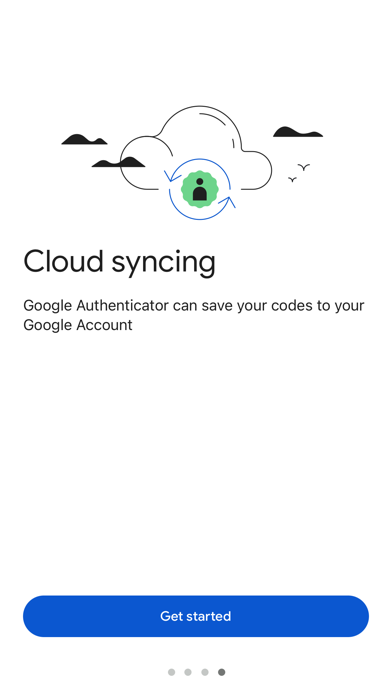
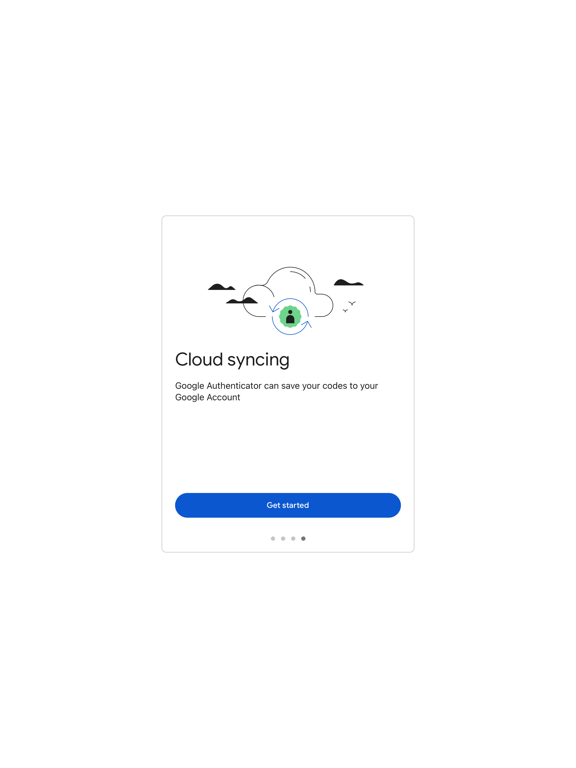
• Sync your Authenticator codes to your Google Account and across devices. This way, you can always access them even if you lose phone.
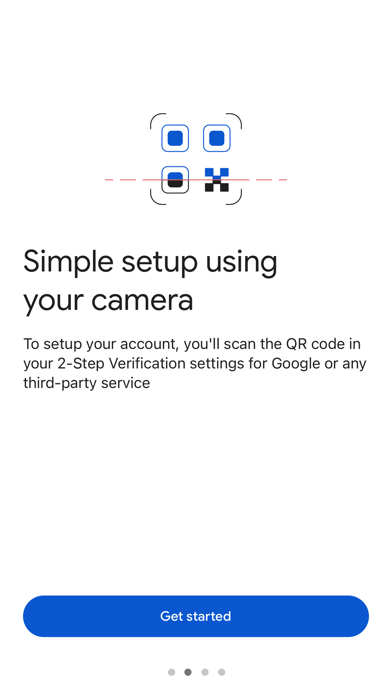
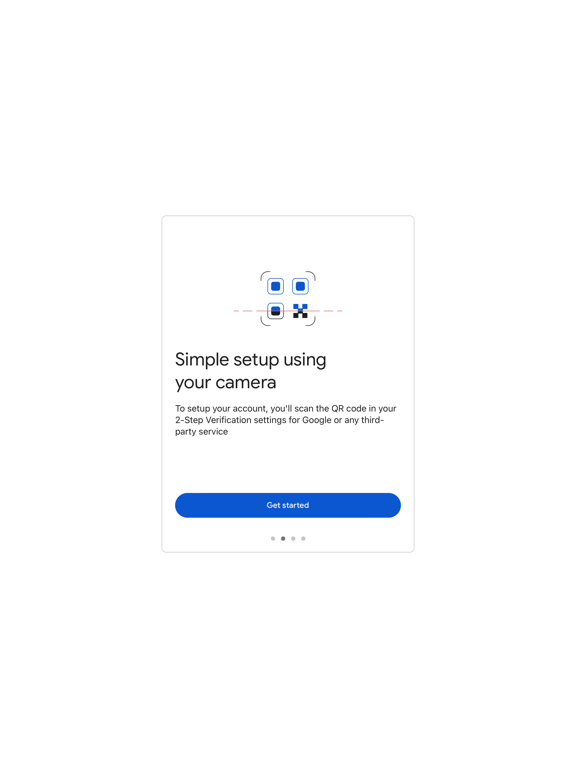
• Set up your Authenticator accounts automatically with a QR code. This is quick and easy, and it helps to ensure that your codes are set up correctly.
• Support for multiple accounts. You can use the Authenticator app to manage multiple accounts, so you don't have to switch between apps every time need to sign in.
• Support for time-based and counter-based code generation. You can choose the type of code generation that good suits your needs.
• Transfer accounts between devices with a QR code. This is a convenient way to move your accounts to a new device.
To use Google Authenticator with Google, you need to enable 2-Step Verification on your Account. To get started visit http://www.google.com/2step
Store details
App Store
- Price: Free
- Rating: 4.9 from 1,112,405 ratings
- Version: 5.0.0
- Category: Utilities
- Content rating: 4+
Google Play
- Price: Free
- Rating: 3.8 from 663,105 ratings
- Category: TOOLS
- Content rating: Everyone
Screenshots

Frequently asked questions
- Is Google Authenticator free?
- Google Authenticator is free to install from the official App Store and Google Play listing.
- What devices does Google Authenticator run on?
- Google Authenticator is available on iOS and Android.
- Who made Google Authenticator?
- Google Authenticator is developed by Google.
- How is Google Authenticator rated?
- On App Store it has 4.9 from 1,112,405 ratings; on Google Play it has 3.8 from 663,105 ratings. Each store's ratings are shown separately and are never combined.
- Where can I get Google Authenticator?
- Google Authenticator links to its official App Store and Google Play listings. findmyapps.net does not host downloads.
Related Utilities apps
- RentCafe Resident — Yardi Systems, Inc.
- TP-Link Tether — TP-Link Systems Inc.
- JumpJumpVPN: Fast & Secure — Soon Bodywerkz Auto Pte. Ltd.
- NordVPN: VPN Fast & Secure — Nordvpn S.A.
- Cleanup: Phone Storage Cleaner — Deep Flow Software Services
- TV Remote - Universal Control — Evolly.App
- textPlus: Text Message + Call — textPlus, Inc.
- Samsung Smart Switch Mobile — Samsung Electronics Co., Ltd.
- Tuya- Smart Life, Smart Living — Tuya Smart Inc.
- Boost Mobile — Dish Network LLC
- Blink Home Monitor — Immedia Semiconductor
- Free VPN by Free VPN .org™ — Free VPN Llc