Google Slides
App · Google · Productivity
Get Google Slides on the official store
We never host downloads — install from the official store.
Overview
Google Slides is a Productivity app from Google.
It is listed on both iOS and Android.
On the App Store, Google Slides is free to install, is at version 1.2026.23101, sits in the Productivity category, carries a 4+ content rating, holds 4.7 from 399,400 ratings, and shows 4 screenshots.
On the Google Play, Google Slides is free to install, sits in the PRODUCTIVITY category, carries a Everyone content rating, holds 4.2 from 676,443 ratings, and shows 8 screenshots.
The App Store and Google Play ratings are listed side by side exactly as each store reports them, and are never averaged into a single score.
findmyapps.net shows each store's listing as published and links out to the official App Store and Google Play pages; the stores' ratings are shown separately and never combined, and no downloads are hosted here.
Prices, versions, and ratings reflect the most recent check of the official stores and can change at any time, so confirm the current details on the official App Store and Google Play pages before installing Google Slides.
About Google Slides
Create, edit, and collaborate on presentations with the Google Slides app. With Slides you can:
* Create new presentations or edit existing ones
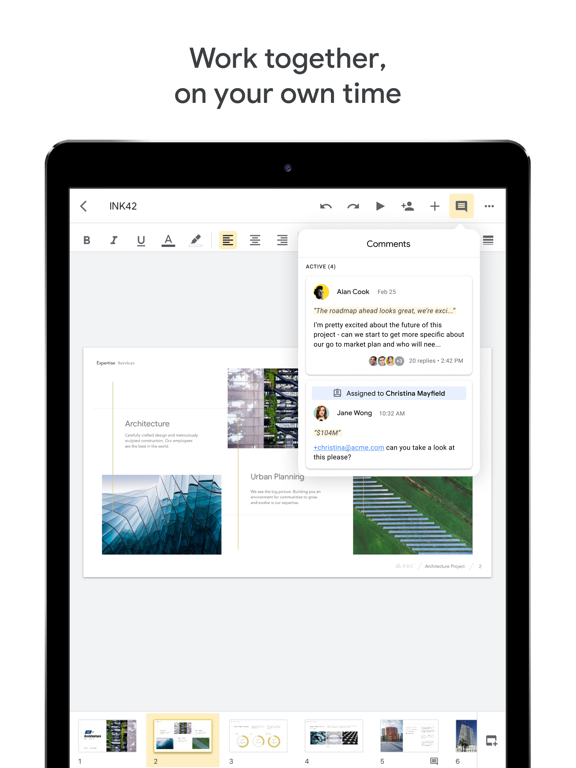
* Share presentations and collaborate with others in the same presentation at the same time
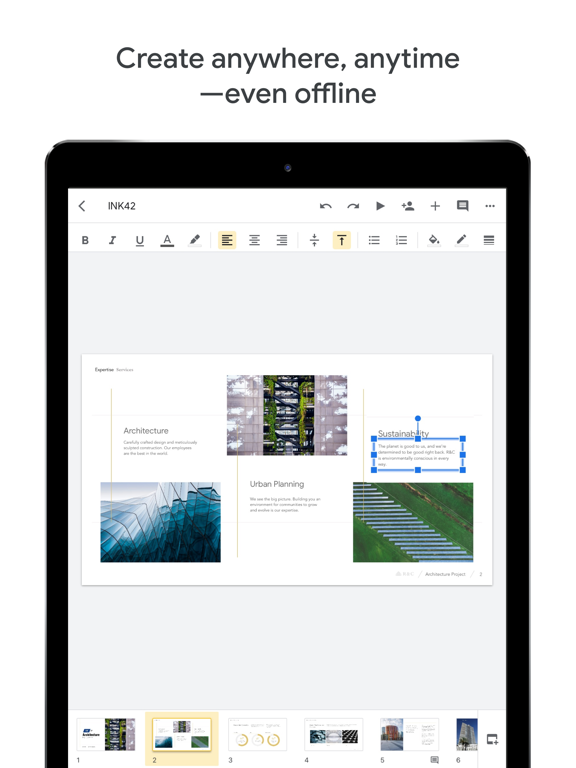
* Work anywhere, anytime - even offline
* Add and rearrange slides, format text and shapes, more
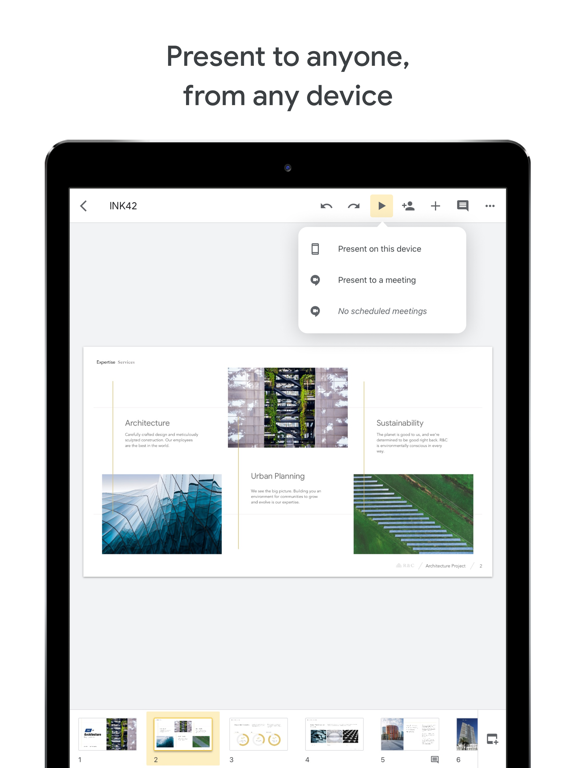
* Present right from your device
* Never worry about losing your work -- everything is automatically saved as you type
* Present slides to video calls - scheduled meetings will automatically appear
* Open, edit, and save PowerPoint files
Google Slides is part of Google Workspace: where teams of any size can chat, create, and collaborate.
Google Workspace subscribers have access to additional Google Slides features, including:
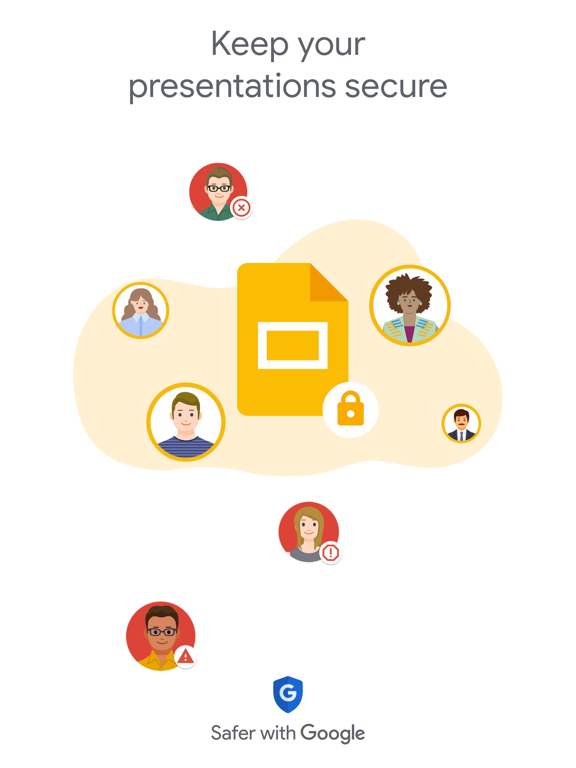
* Collaborating on a single presentation online with your business partner, your whole team, or external contacts. You control who gets permission to edit, view, or just add comments.
* Starting from scratch or expediting the process by choosing a template. You can enhance your presentations with videos, images, drawings, and smooth transitions.
* Working across PCs, Macs, mobiles, and tablets—View or even present your slides from your phone or tablet, so you have the option to practice presentation up until the last minute.
Permissions Notice
Camera: This is used for camera mode in video calls and to insert images taken with the
Microphone: This is used to transmit audio in video calls.
Photos: This is used to access photos under the control of application to let the users pick images to insert into slides.
Store details
App Store
- Price: Free
- Rating: 4.7 from 399,400 ratings
- Version: 1.2026.23101
- Category: Productivity
- Content rating: 4+
Google Play
- Price: Free
- Rating: 4.2 from 676,443 ratings
- Category: PRODUCTIVITY
- Content rating: Everyone
Screenshots


Frequently asked questions
- Is Google Slides free?
- Google Slides is free to install from the official App Store and Google Play listing.
- What devices does Google Slides run on?
- Google Slides is available on iOS and Android.
- Who made Google Slides?
- Google Slides is developed by Google.
- How is Google Slides rated?
- On App Store it has 4.7 from 399,400 ratings; on Google Play it has 4.2 from 676,443 ratings. Each store's ratings are shown separately and are never combined.
- Where can I get Google Slides?
- Google Slides links to its official App Store and Google Play listings. findmyapps.net does not host downloads.
Related Productivity apps
- Documents: File Manager & Docs — Readdle Technologies Limited
- X-Vpn: VPN Fast & Secure — Lightninglink Networks Pte. Ltd.
- Google Tasks: Get Things Done — Google
- Claude by Anthropic — Anthropic PBC
- iTranslate Translator — Mosaic S.r.l.
- Speechify – Text to Speech PDF — Speechify Inc.
- Perplexity - AI Search & Chat — Perplexity AI, Inc.
- Smart Home Manager — At&T Services, Inc.
- ChatOn AI - Chat Bot Assistant — Aiby
- VPN - Fast VPN Super ™ — Topapps Tech Pte Ltd
- Ringtones Maker - the ring app — 苏娟 陈
- Kia Access — Kia America, Inc.