Minecraft Education
App · Mojang · Education
Get Minecraft Education on the official store
We never host downloads — install from the official store.
Overview
Minecraft Education is a Education app from Mojang.
It is listed on both iOS and Android.
On the App Store, Minecraft Education is free to install, is at version 1.21.133.2, sits in the Education category, carries a 9+ content rating, holds 4.0 from 40,374 ratings, and shows 10 screenshots.
On the Google Play, Minecraft Education is free to install, sits in the EDUCATION category, carries a Everyone 10+ content rating, holds 4.1 from 141,319 ratings, and shows 7 screenshots.
The App Store and Google Play ratings are listed side by side exactly as each store reports them, and are never averaged into a single score.
findmyapps.net shows each store's listing as published and links out to the official App Store and Google Play pages; the stores' ratings are shown separately and never combined, and no downloads are hosted here.
Prices, versions, and ratings reflect the most recent check of the official stores and can change at any time, so confirm the current details on the official App Store and Google Play pages before installing Minecraft Education.
About Minecraft Education
This App Is For School And Organizational Use.
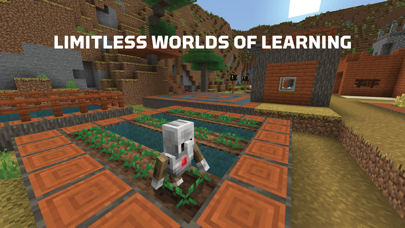
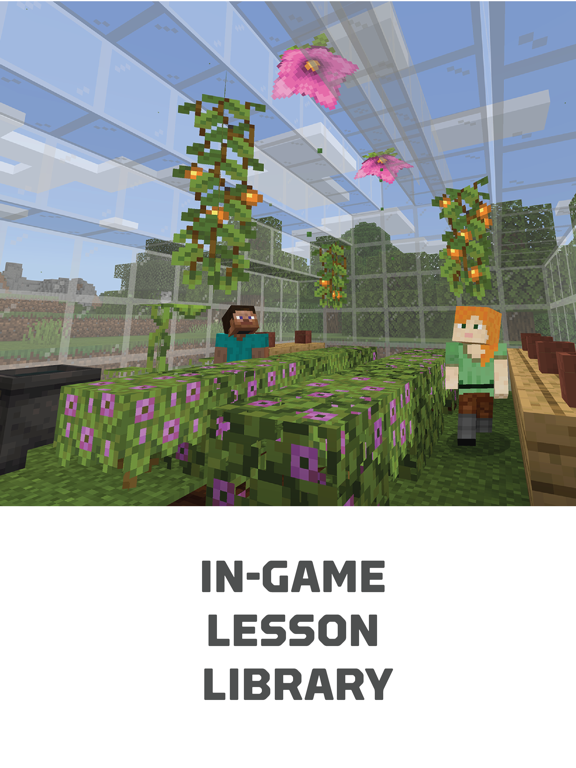
Minecraft Education is a game-based platform that inspires creative, inclusive learning through play. Explore blocky worlds that unlock new ways to tackle any subject or challenge.
Dive into subjects like reading, math, history, and coding with lessons and standardized curriculum designed for all types of learners. Or explore build together in creative open worlds.
Use It Your Way
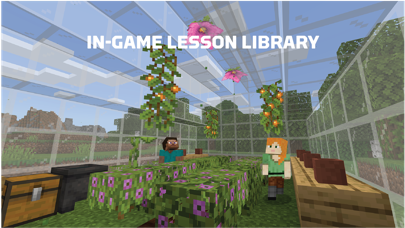
With hundreds of ready-to-teach lessons, creative challenges, and blank canvas worlds, there are lots of ways to make Minecraft Education work for your students. It’s easy to get started, no gaming experience necessary.
Prepare Students For The Future
Help learners develop key key skills like problem solving, collaboration, digital citizenship, and critical thinking to help students them thrive now and in the future workplace. Spark a passion for Stem.
Game-Based Learning
Unlock creativity and deep learning with immersive content created with partners including BBC Earth, NASA, and the Nobel Peace Center. Inspire students to engage in real-world topics culturally relevant lessons build challenges.
Key Features
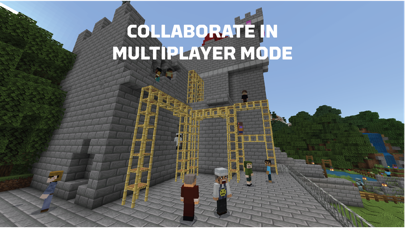
- Multiplayer mode enables collaboration in-game across platforms, devices, and hybrid environments
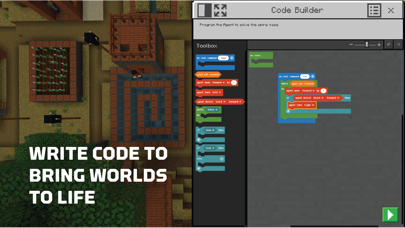
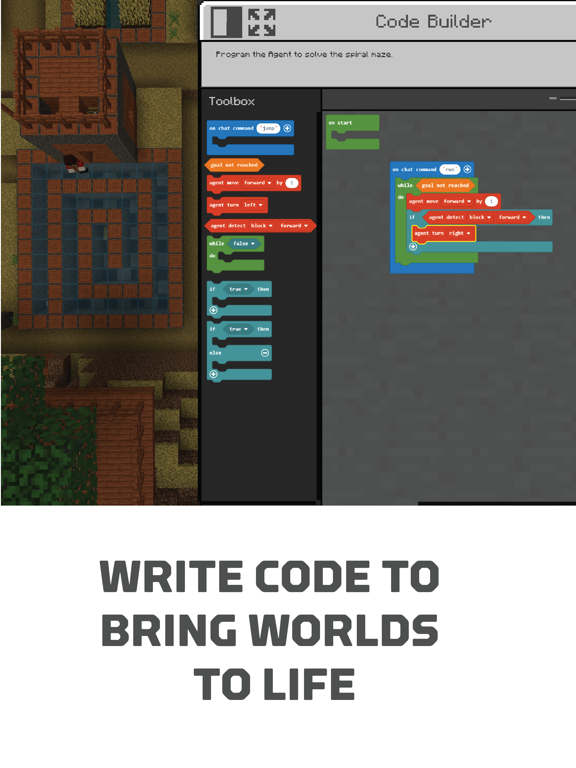
- Code Builder supports block-based coding, JavaScript, and Python with intuitive interface and in-game execution
- Immersive Reader helps players read and translate text
- Camera and Book & Quill items allow documentation and export of in-game-creations
- Integration with Microsoft Teams and Flipgrid supports assessment and teacher controls
Minecraft Education licenses can be purchased with Admin access to a Microsoft 365 Admin Center account. Talk to your Tech Lead for information on academic licensing.
Terms of use: The terms that apply to this download are the that were presented when you purchased your Minecraft Education subscription.
If you subscribe to Minecraft Education via iTunes:
Each Minecraft Education subscription lasts one year from date of purchase. The payment will be charged to your iTunes account at confirmation of purchase. Your subscription will automatically renew unless auto-renew is turned off at least 24 hours before the end of current period. If is set to auto-renew, account be charged within 24 hours prior to end of current period at price option you previously selected.
Turn off auto-renewal by going to the user's Account Settings after purchase. If you cancel after your subscription has activated, your account will not be refunded for the remaining active period of subscription.
Privacy policy: https://aka.ms/privacy
Store details
App Store
- Price: Free
- Rating: 4.0 from 40,374 ratings
- Version: 1.21.133.2
- Category: Education
- Content rating: 9+
Google Play
- Price: Free
- Rating: 4.1 from 141,319 ratings
- Category: EDUCATION
- Content rating: Everyone 10+
Screenshots
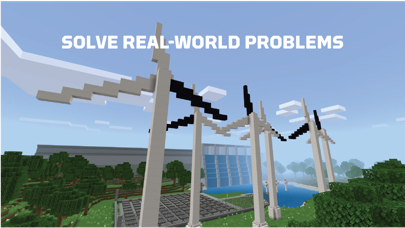
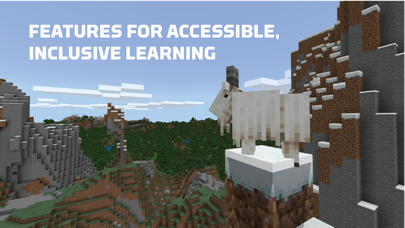
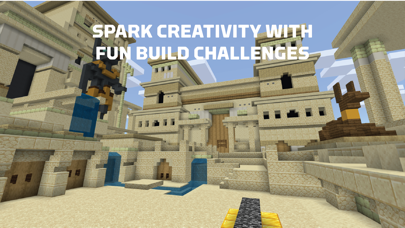
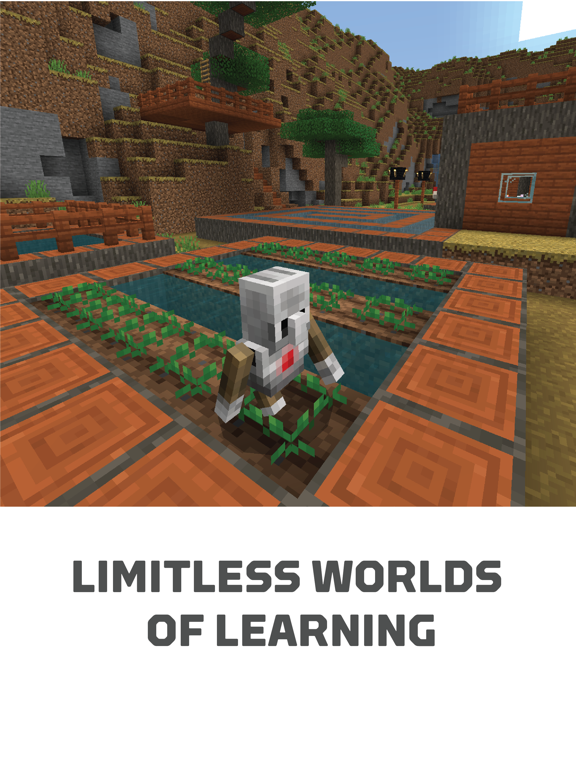
Frequently asked questions
- Is Minecraft Education free?
- Minecraft Education is free to install from the official App Store and Google Play listing.
- What devices does Minecraft Education run on?
- Minecraft Education is available on iOS and Android.
- Who made Minecraft Education?
- Minecraft Education is developed by Mojang.
- How is Minecraft Education rated?
- On App Store it has 4.0 from 40,374 ratings; on Google Play it has 4.1 from 141,319 ratings. Each store's ratings are shown separately and are never combined.
- Where can I get Minecraft Education?
- Minecraft Education links to its official App Store and Google Play listings. findmyapps.net does not host downloads.
Related Education apps
- brightwheel: Child Care App — Dssv, Inc.
- Dmv Written Test — Infinity Loop Capital LLc
- Khan Academy Kids — Khan Academy
- Rock Identifier: Stone ID — Next Vision Limited
- Headway - Daily Micro Learning — Gthw App Limited
- Speak: Language Learning — Speakeasy Labs
- Lingvano - Learn Sign Language — Lingvano GmbH
- BetterSpeak: AI Language Tutor — Hubx
- Aceable Drivers Ed & Test Prep — Aceable Inc.
- Nibble: Your Bite of Knowledge — Kremital Limited
- Busuu: Language Learning — Busuu Limited
- DMV Practice Test 2026 myDMV — Kain Suite Pte. Ltd.