Office Word:Edit Word Document
App · Rhophi Analytics LLP · Productivity
Get Office Word:Edit Word Document on the official store
We never host downloads — install from the official store.
Overview
Office Word:Edit Word Document is a Productivity app from Rhophi Analytics LLP.
It is listed on iOS.
On the App Store, Office Word:Edit Word Document is free to install, is at version 1.0.25, sits in the Productivity category, carries a 4+ content rating, holds 4.6 from 9,045 ratings, and shows 10 screenshots.
Only the App Store rating is published for Office Word:Edit Word Document, and it is shown on its own rather than combined with any other figure.
findmyapps.net shows each store's listing as published and links out to the official App Store page; the stores' ratings are shown separately and never combined, and no downloads are hosted here.
Prices, versions, and ratings reflect the most recent check of the official stores and can change at any time, so confirm the current details on the official App Store page before installing Office Word:Edit Word Document.
About Office Word:Edit Word Document
Office Word: Edit Word Documents is a powerful and user-friendly app that lets you create, edit, view, share, and manage your documents files on the go. Whether you're one busy professional crafting reports proposals, a student juggling assignments, or simply need to jot down quick notes, this app equips you with everything need to conquer your docs needs.
1. Interface and Formatting Tools
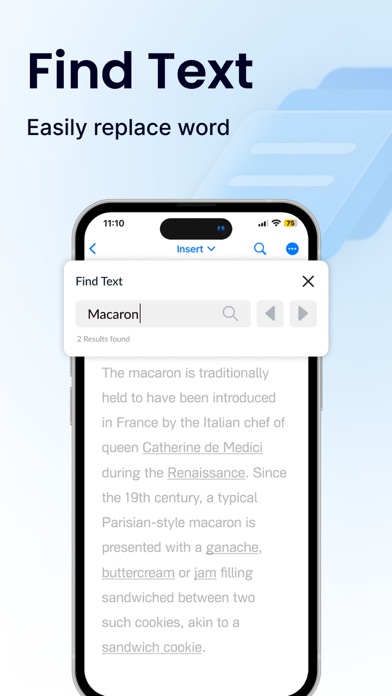
Sleek and intuitive interface for effortless document and file navigation editing.
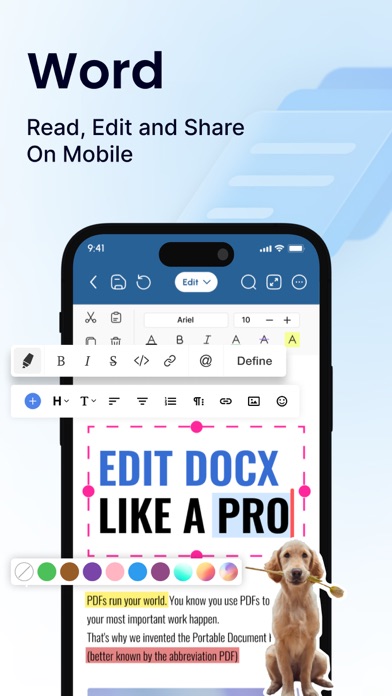
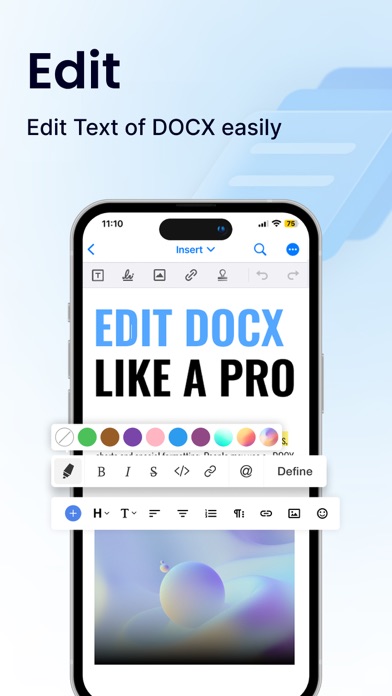
Variety of formatting tools to customize and edit your Word docs (fonts, text sizes, bold, italic, underline, highlight).
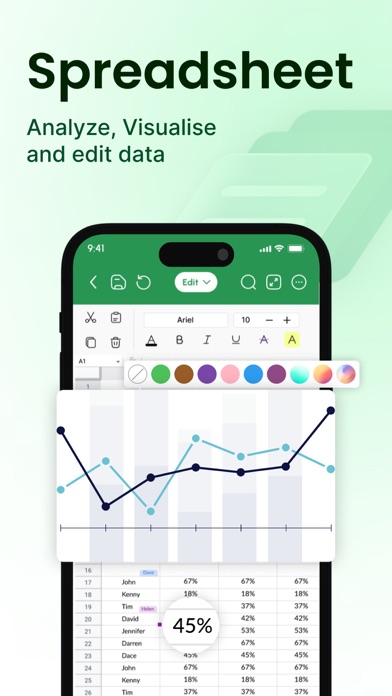
Ability to seamlessly insert tables, images, and charts into your Word files.
2. Collaboration Features
Real-time collaboration capabilities to create, edit, or annotate documents simultaneously with team members.
Commenting directly on specific parts of the document or file to facilitate clear communication and feedback.
3. Security Options
Password protection for your Word files to ensure security.
Two-factor authentication for authorized access to your documents.
Robust security features to keep your documents safe.
4. Personal and Professional Use
Suitable for both personal and professional document and file creation editing.
Ideal for students, freelancers, and business owners to edit, create, or manage their documents.
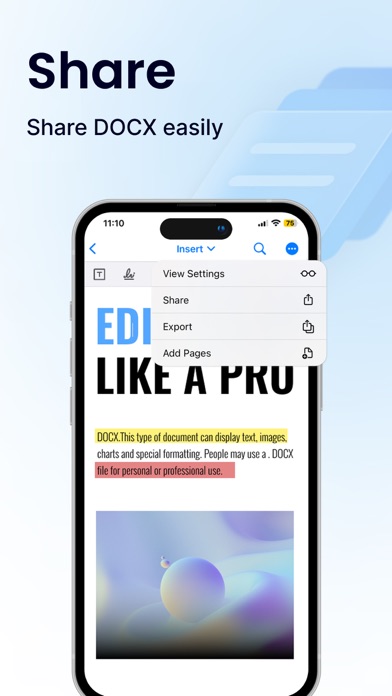
Seamless integration with popular cloud services like Google Drive and Dropbox for easy document and file sharing.
5. Free trials and subscriptions
Try out all paid features for free for 3 days to experience the power of editing your documents and files.
Select a plan that good suits your needs to edit or create Word docs.
Cancel anytime without any obligations. Subscription will be charged to your credit card through your App Store account. subscription will automatically renew unless canceled at least 24 hours before the end of the current period. Manage in Account Settings on App Store after purchase.
Here's what makes Office Word: Edit Word Documents stand out:
Effortlessly create, edit, view, share, and manage Word docs.
Collaborate in real-time with colleagues on documents and files.
Ensure security with password protection and two-factor authentication for your Word docs.
Manage documents and files for personal or professional use.
Enjoy a free trial and flexible subscription options.
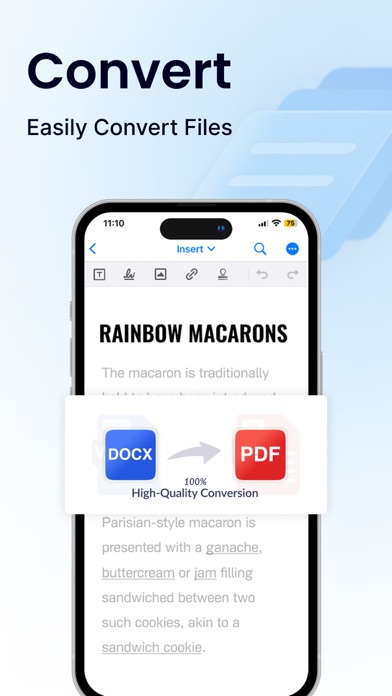
Read and manage all file formats such as Word, docx, pdf, xls, pptx, etc.
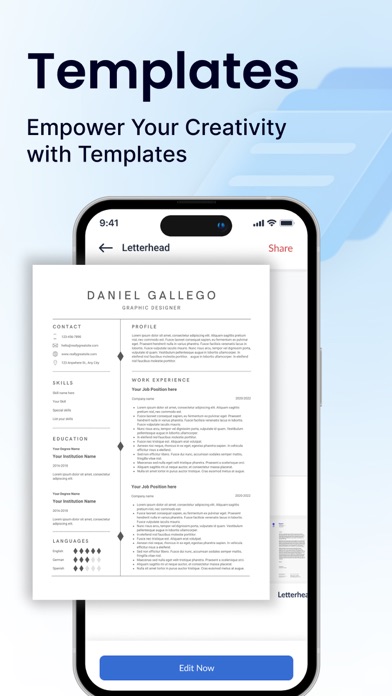
Create professional resumes and cover letters with existing templates.
Empowering Users in Every Role:
Students: Streamline your workflow and excel in your studies with this powerful mobile app. Effortlessly create, edit, view, and share all school documents. Manage or edit assignments, take clear organized notes, create polished reports presentations that will impress professors.
Freelancers: Enhance your workflow and productivity with Office Word: Edit Word Documents. Create, edit professional documents, proposals, and invoices, leaving a lasting impression on clients. Work efficiently with clients, deliver high-quality projects on time, manage your freelance business effectively seamless file sharing collaboration features. Create, view, share all freelance docs files on the go, keeping you organized on top of projects
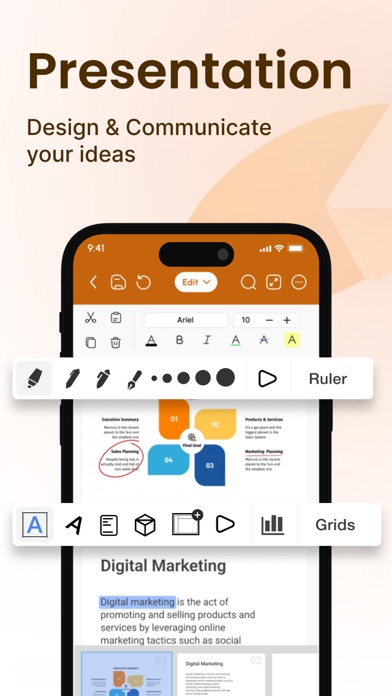
Business Owners: Manage essential word files, collaborate with teams across locations, and create impactful presentations to showcase your business with Office Word: Edit Documents
Additional Information
• Link to the app's Terms of Use - https://blog.a1apps.co/terms-of-use-offi…
Link to the app's Privacy Policy - https://blog.a1apps.co/privacy-policy-of…
Download Office Word: Edit Word Documents today and experience the future of mobile document and file management!
Store details
App Store
- Price: Free
- Rating: 4.6 from 9,045 ratings
- Version: 1.0.25
- Category: Productivity
- Content rating: 4+
Screenshots


Frequently asked questions
- Is Office Word:Edit Word Document free?
- Office Word:Edit Word Document is free to install from the official App Store listing.
- What devices does Office Word:Edit Word Document run on?
- Office Word:Edit Word Document is available on iOS.
- Who made Office Word:Edit Word Document?
- Office Word:Edit Word Document is developed by Rhophi Analytics LLP.
- How is Office Word:Edit Word Document rated?
- On App Store it has 4.6 from 9,045 ratings. Each store's ratings are shown separately and are never combined.
- Where can I get Office Word:Edit Word Document?
- Office Word:Edit Word Document links to its official App Store and Google Play listings. findmyapps.net does not host downloads.
Related Productivity apps
- Granola - AI Meeting Notes — Granola inc
- PingID — Ping Identity Corporation
- Cloaked: Protect your privacy — Cloaked, Inc.
- Online Portal by AppFolio — AppFolio, Inc.
- Super V2ray Tunnel 2026 — Free Secure VPN Co., Limited
- CleanMy Storage: AI Cleanup — 恒宇 史
- Tom VPN - Top VPN Secure Proxy — Shanghai Chuangyi Automobile Service Co., Ltd.
- Private VPN Proxy - Easy Start — Volkun Apps
- Office Word: Edit Document — Begamob Global Limited
- AI Cut:Photo&Video Editor — 波 王
- ChatGPT — OpenAI OpCo, LLC
- Google Gemini — Google