Vizio | WatchFree+
App · Vizio · Entertainment
Get Vizio | WatchFree+ on the official store
We never host downloads — install from the official store.
Overview
Vizio | WatchFree+ is a Entertainment app from Vizio.
It is listed on both iOS and Android.
On the App Store, Vizio | WatchFree+ is free to install, is at version 5.1.2, sits in the Entertainment category, carries a 17+ content rating, holds 4.5 from 59,775 ratings, and shows 9 screenshots.
On the Google Play, Vizio | WatchFree+ is free to install, sits in the ENTERTAINMENT category, carries a Teen content rating, holds 4.3 from 90,687 ratings, and shows 8 screenshots.
The App Store and Google Play ratings are listed side by side exactly as each store reports them, and are never averaged into a single score.
findmyapps.net shows each store's listing as published and links out to the official App Store and Google Play pages; the stores' ratings are shown separately and never combined, and no downloads are hosted here.
Prices, versions, and ratings reflect the most recent check of the official stores and can change at any time, so confirm the current details on the official App Store and Google Play pages before installing Vizio | WatchFree+.
About Vizio | WatchFree+
Vizio Device Control and WatchFree+ Free Live TV
Stream 300+ free live channels anywhere—no Vizio TV required! Plus, control your Vizio devices and discover entertainment, all through the Mobile app.
Watchfree+ Mobile: Free live channels, anytime, anywhere.
• Stream 300+ Free Live Channels: Watch news, sports, movies, and shows on your mobile device —no Vizio TV needed
• Personalize Your Experience: Create favorite channels lists and get personalized recommendations
• Stay Connected: Keep up with local sports, news, and entertainment on the go
• Easy to Start: Just download the app and create a free Vizio account to start watching
• Smart Navigation: Find what you want faster with the category jump feature
• Pick Up Where You Left Off: Seamlessly switch between devices when you start watching on a Vizio TV
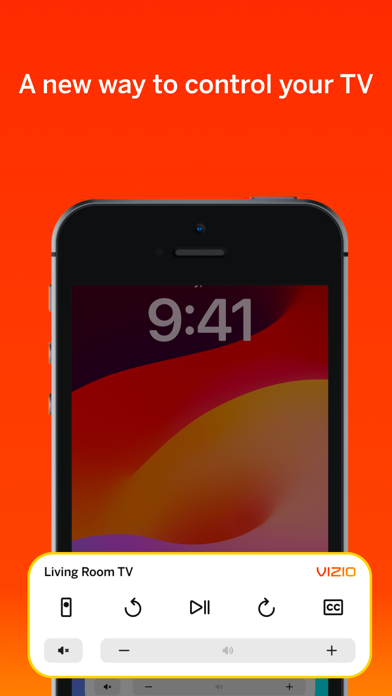
TV and Entertainment Control: Transform your phone into a powerful entertainment hub.
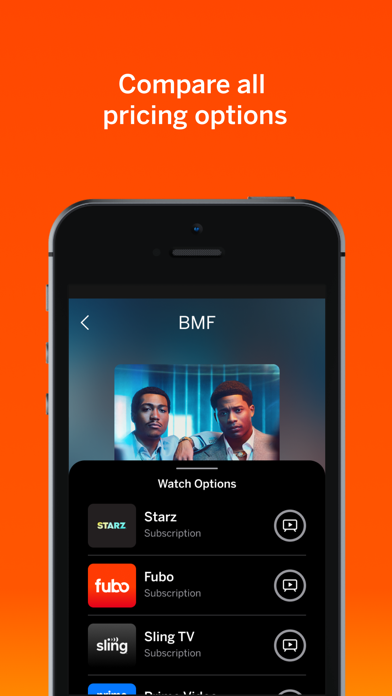
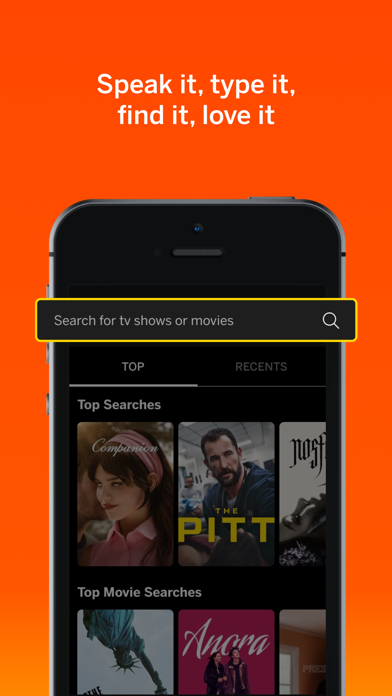
• Universal Search: Find what to watch across streaming services in one place
• Smart Recommendations: Discover new shows and movies based on your interests
• Voice Control: Launch apps and find content hands-free
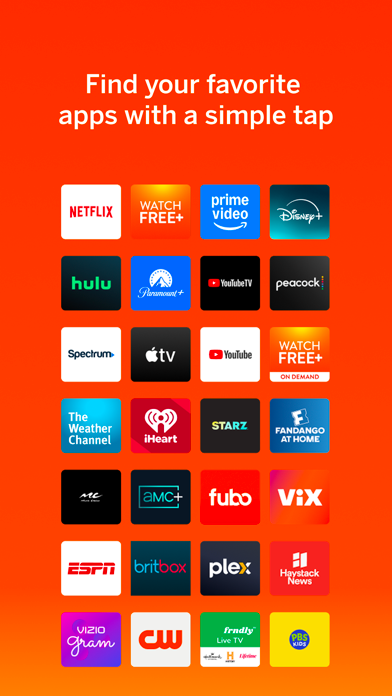
• Save Time. Stream More: Organize apps and manage subscriptions in one location
• Share & Connect: Cast photos and videos to your TV with VIZIOgram
Soundbar Control: Fine-tune your audio experience right from your phone.
• Quick Audio Adjustments: Customize volume, bass, and treble with easy controls
• Preset Sound Modes: Optimize audio for movies, shows, music, and more
• Enhanced Listening: Enable features like ClearDialog and Night Mode for the perfect sound
Vizio Crave Speakers cannot output audio from TVs/displays or be connected as an additional channel to an existing sound bar or sound system. Additional supported SmartCast or Chromecast-enabled audio products are required (not included) for Multi-Room feature. Streaming different songs to different speakers at the same time is not supported when using a single app running on a single mobile device. To stream a song to at the same time, you’ll need to stream from a app or a separate mobile device.
The applications and content pictured herein or described on this page may only be available in certain countries and languages, may require additional fees or subscription charges, be subject to future updates, modifications, interruption and/or discontinuation of service without notice. Vizio has no control over third party applications or content assumes no responsibility for the availability or interruption of such or Additional third-party terms, conditions restrictions apply. High-speed/broadband Internet service access equipment are required are not provided by Vizio. Not all Google Cast-enabled apps integrated with SmartCast require steps to cast.
For help, please visit our Customer Help Center: support.vizio.com
Terms of Use: https://www.vizio.com/en/terms/account-terms
Privacy Policy: https://www.vizio.com/en/terms/privacy-p…
Store details
App Store
- Price: Free
- Rating: 4.5 from 59,775 ratings
- Version: 5.1.2
- Category: Entertainment
- Content rating: 17+
Google Play
- Price: Free
- Rating: 4.3 from 90,687 ratings
- Category: ENTERTAINMENT
- Content rating: Teen
Screenshots


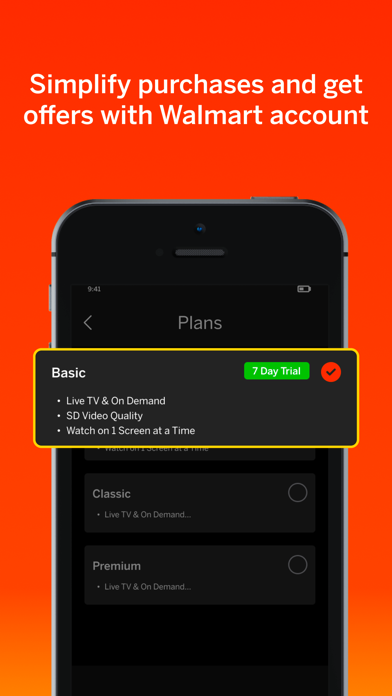

Frequently asked questions
- Is Vizio | WatchFree+ free?
- Vizio | WatchFree+ is free to install from the official App Store and Google Play listing.
- What devices does Vizio | WatchFree+ run on?
- Vizio | WatchFree+ is available on iOS and Android.
- Who made Vizio | WatchFree+?
- Vizio | WatchFree+ is developed by Vizio.
- How is Vizio | WatchFree+ rated?
- On App Store it has 4.5 from 59,775 ratings; on Google Play it has 4.3 from 90,687 ratings. Each store's ratings are shown separately and are never combined.
- Where can I get Vizio | WatchFree+?
- Vizio | WatchFree+ links to its official App Store and Google Play listings. findmyapps.net does not host downloads.
Related Entertainment apps
- Topgolf — TopGolf USA, Inc.
- StardustTV - Short Drama&Movie — Hongxing Media Co., Limited
- Regal: Movie Tickets Made Easy — Regal Cinemas
- Netflix Game Controller — Netflix, Inc.
- Enjoy - AI Town — Enjoy Global, Inc.
- Scoopz: Your People Your Video — Local AI, Inc.
- My Drama - Stream Short Dramas — Holy Water Limited
- CandyJarTV - Drama & Shorts — Inkitt
- StoryReel: Exclusive Drama — Equinox Enterprises Technology Limited
- MoboReels: Short Drama Series — Changdu (Hk) Technology Limited
- Posh – Create & Find Events — Posh Group Inc.