Microsoft 365 Copilot
App · Microsoft Corporation · Productivity
Get Microsoft 365 Copilot on the official store
We never host downloads — install from the official store.
Overview
Microsoft 365 Copilot is a Productivity app from Microsoft Corporation.
It is listed on both iOS and Android.
On the App Store, Microsoft 365 Copilot is free to install, is at version 2.110.6, sits in the Productivity category, carries a 12+ content rating, holds 4.7 from 1,276,583 ratings, and shows 7 screenshots.
On the Google Play, Microsoft 365 Copilot is free to install, sits in the PRODUCTIVITY category, carries a Teen content rating, holds 4.5 from 8,999,062 ratings, and shows 5 screenshots.
The App Store and Google Play ratings are listed side by side exactly as each store reports them, and are never averaged into a single score.
findmyapps.net shows each store's listing as published and links out to the official App Store and Google Play pages; the stores' ratings are shown separately and never combined, and no downloads are hosted here.
Prices, versions, and ratings reflect the most recent check of the official stores and can change at any time, so confirm the current details on the official App Store and Google Play pages before installing Microsoft 365 Copilot.
About Microsoft 365 Copilot
The Microsoft 365 Copilot app is your AI-first productivity app for work. It provides one place for you to chat with your AI assistant1, create content, manage projects and quickly find files on the go – helping you get more done, without doing more.
With the Microsoft 365 Copilot mobile app, you can1:
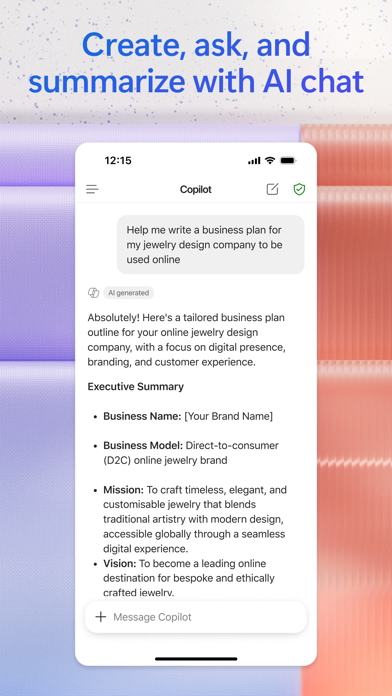
• Chat with your AI assistant – Ask Copilot to create or summarize a document, draft an email or analyze a spreadsheet using natural language.
• Interact with voice – Talk to Copilot to help you prepare for your day, get answers and brainstorm ideas.
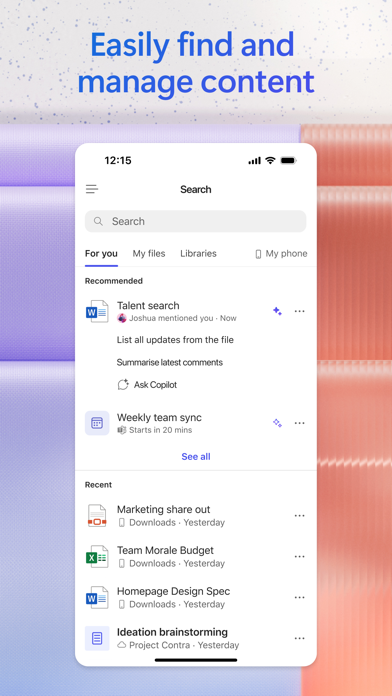
• Find what matters fast – Find the strategy deck you were working on recently, or a file that was attached to an email.
• Accelerate your learning – Ask Copilot to explain a concept, summarize recent trends or help you prepare for a presentation.
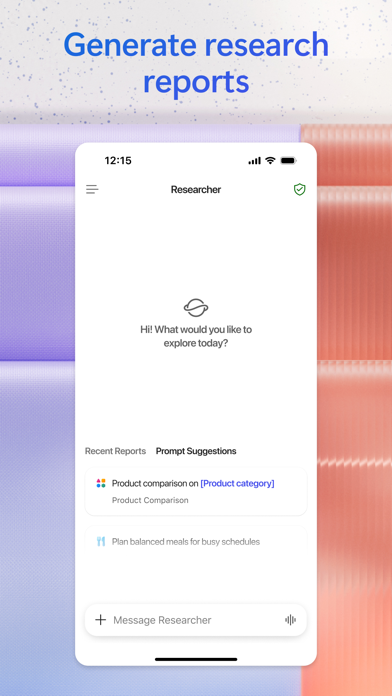
• Get expert insights – Use built-in AI agents like Researcher and Analyst to generate research reports and analyze complex datasets.
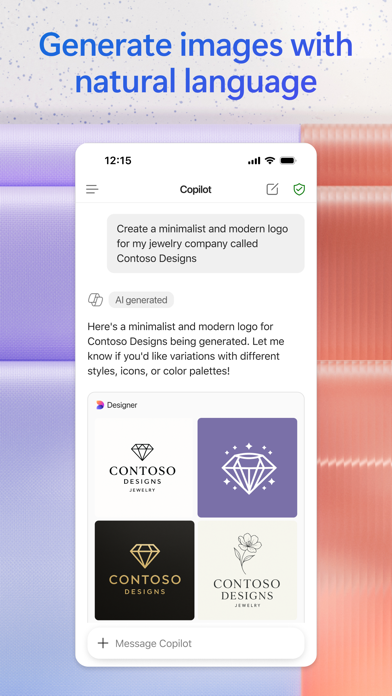
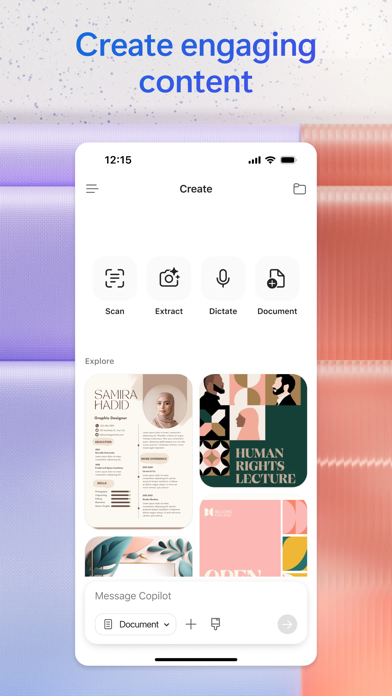
• Create polished content– Create and edit images, posters, banners, surveys and more with easy-to-use templates.
• Manage projects easily – Bring together ideas, documents and links and ask Copilot to summarize connect the dots with Copilot Notebooks.
• Upload and save documents – Upload Word, Excel or PDF files from your phone’s storage to get answers from Copilot.
Sign in with your work, school or personal Microsoft account to start using the app today.
1Availability of Microsoft 365 Copilot features may vary. Some capabilities require specific licenses or may be disabled by your organization's administrator. See this webpage for more information on feature availability by license:
https://support.microsoft.com/topic/unde…
Please refer to Microsoft’s Eula for Terms of Service for Microsoft 365. By installing the app, you agree to these terms and conditions:
https://learn.microsoft.com/legal/micros…
Store details
App Store
- Price: Free
- Rating: 4.7 from 1,276,583 ratings
- Version: 2.110.6
- Category: Productivity
- Content rating: 12+
Google Play
- Price: Free
- Rating: 4.5 from 8,999,062 ratings
- Category: PRODUCTIVITY
- Content rating: Teen
Screenshots




Frequently asked questions
- Is Microsoft 365 Copilot free?
- Microsoft 365 Copilot is free to install from the official App Store and Google Play listing.
- What devices does Microsoft 365 Copilot run on?
- Microsoft 365 Copilot is available on iOS and Android.
- Who made Microsoft 365 Copilot?
- Microsoft 365 Copilot is developed by Microsoft Corporation.
- How is Microsoft 365 Copilot rated?
- On App Store it has 4.7 from 1,276,583 ratings; on Google Play it has 4.5 from 8,999,062 ratings. Each store's ratings are shown separately and are never combined.
- Where can I get Microsoft 365 Copilot?
- Microsoft 365 Copilot links to its official App Store and Google Play listings. findmyapps.net does not host downloads.
Related Productivity apps
- Microsoft OneDrive — Microsoft Corporation
- Yahoo Mail: Your Email & Inbox — Yahoo
- Google Calendar: Get Organized — Google
- HP — HP Inc.
- Microsoft PowerPoint — Microsoft Corporation
- TeraBox: 1TB Cloud & AI Space — Flextech Inc.
- Google Docs — Google
- Microsoft Authenticator — Microsoft Corporation
- Google Keep - Notes and lists — Google LLC
- Microsoft Copilot — Microsoft Corporation
- AI Chatbot - Nova — Scaleup Yazilim Hizmetleri
- Google Sheets — Google