Microsoft OneNote
App · Microsoft Corporation · Productivity
Get Microsoft OneNote on the official store
We never host downloads — install from the official store.
Overview
Microsoft OneNote is a Productivity app from Microsoft Corporation.
It is listed on both iOS and Android.
On the App Store, Microsoft OneNote is free to install, is at version 16.109.4, sits in the Productivity category, carries a 4+ content rating, holds 4.7 from 1,045,015 ratings, and shows 10 screenshots.
On the Google Play, Microsoft OneNote is free to install, sits in the PRODUCTIVITY category, carries a Everyone content rating, holds 4.6 from 1,479,844 ratings, and shows 6 screenshots.
The App Store and Google Play ratings are listed side by side exactly as each store reports them, and are never averaged into a single score.
findmyapps.net shows each store's listing as published and links out to the official App Store and Google Play pages; the stores' ratings are shown separately and never combined, and no downloads are hosted here.
Prices, versions, and ratings reflect the most recent check of the official stores and can change at any time, so confirm the current details on the official App Store and Google Play pages before installing Microsoft OneNote.
About Microsoft OneNote
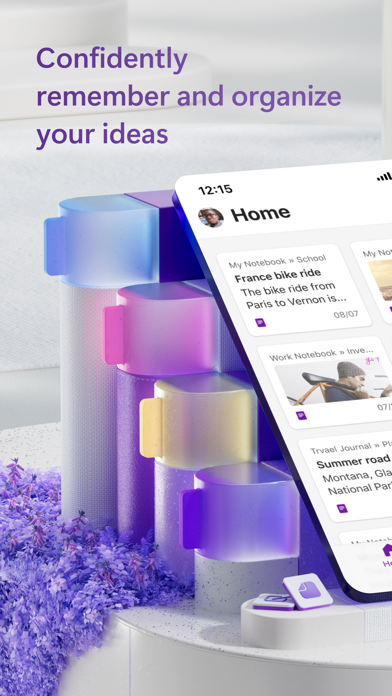
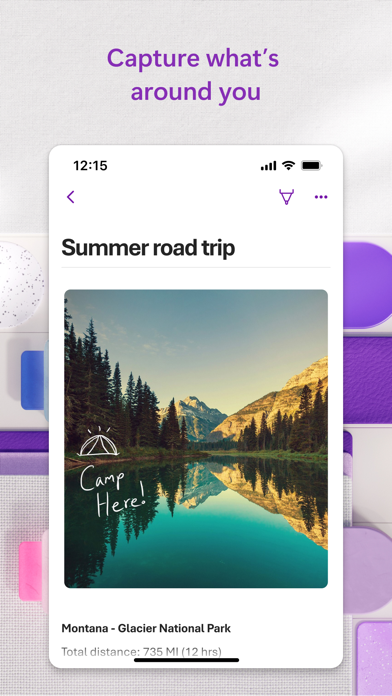
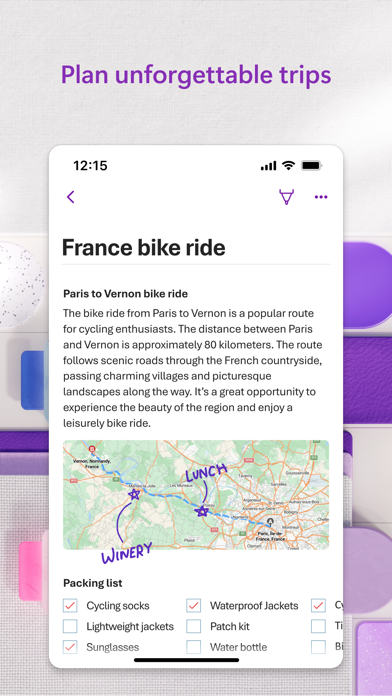
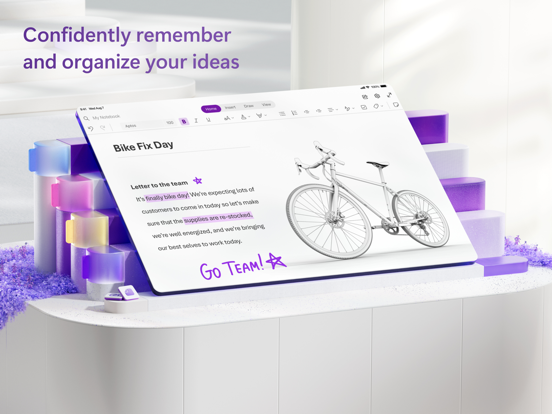
Capture your thoughts, discoveries, and ideas and simplify overwhelming planning moments in your life with very own digital notepad.
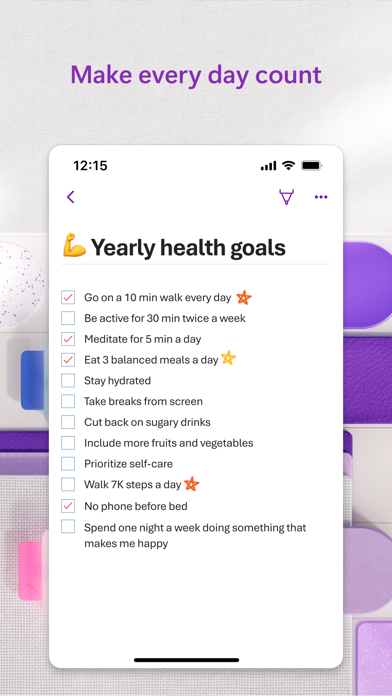
With OneNote, you can plan that big event, seize that moment of inspiration to create something new, and track list of errands are too important to forget. Write memos, make a digital sketchbook and save notes right on your phone.
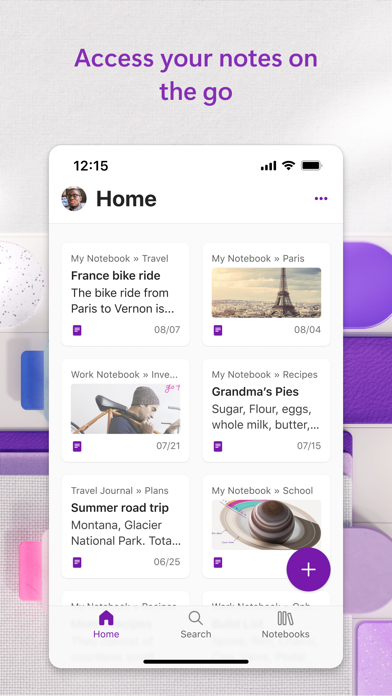
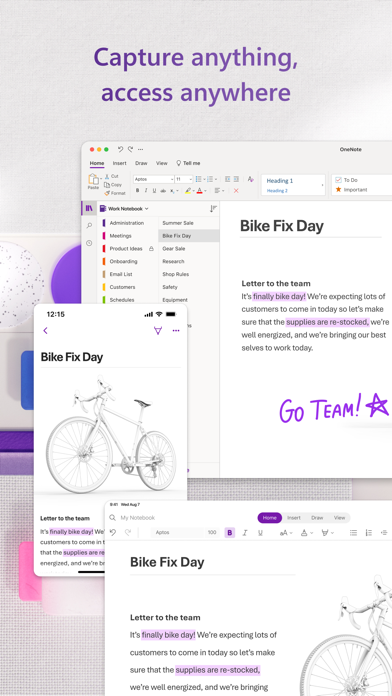
Sync your notes via OneDrive to access them anytime, anywhere. Whether you're at home, in the office, or on the go, your notes are available to you across all of devices.
Get the complete Microsoft Office experience when you sign in with your Microsoft Account. Take notes, share ideas, organize and collaborate when you download OneNote today.
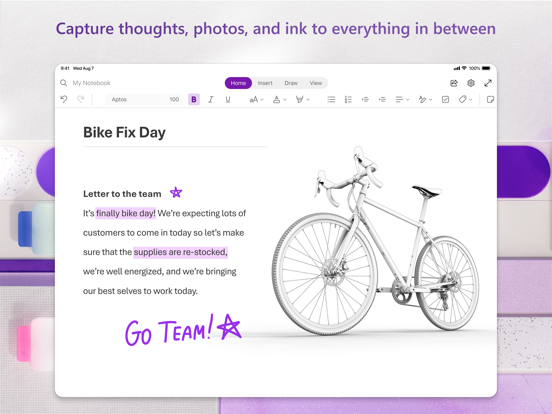
Capture Anything:
• With OneNote, you can plan that big event, save ideas to create something new and track that list of errands are too important to forget.
• Save pictures of whiteboards, photos or printed documents in your notes with Office Lens. Quickly take a picture, automatically crop and insert the image into your notes.
Organize, Search and Secure:
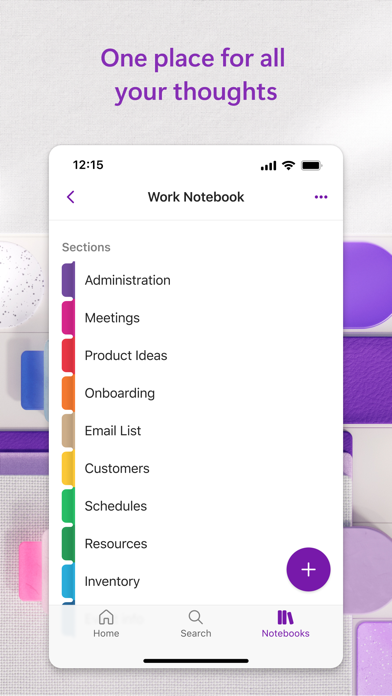
• Quickly organize your notes in a way that works good for you with powerful organizational tools.
• Find your most recent notes quickly and pin the pages you use most.
• Secure your notes with a password and use touch ID to quickly access them.
Sync your Sticky Notes:
• Quickly save your thoughts and ideas with colorful sticky notes on the go.
• Sync your sticky notes to access them from anywhere on any device, anytime.
Save, Share, and Collaborate:
• Save to the cloud (OneDrive, OneDrive for Business, and SharePoint) and access your notes on anytime on any device.
• Collaborate and work together in a shared notepad.
Write & Draw on iPad:
• Use a variety of pen colors and settings to create beautiful handwritten notes and drawings.
• Draw with confidence with "Convert to Shapes" mode: OneNote will automatically convert hand drawn shapes into crisp, perfectly regular polygons and circles.
• Use a stylus or the touchscreen to write notes or use OneNote as a sketchbook.
OneNote is free on iPhone and many other devices. Get started today! Download OneNote and sign in with your Microsoft Account or the account assigned to you by your work or school.
Monthly Microsoft 365 subscriptions purchased from the app will be charged to your App Store account and will automatically renew within 24 hours prior to the end of current subscription period unless auto-renewal is disabled beforehand. You can manage your subscriptions in Store account settings.
This app is provided by either Microsoft or a third-party app publisher and is subject to a separate privacy statement and terms conditions. Data provided through the use of this store may be accessible to Microsoft or the third-party publisher, as applicable, transferred to, stored, processed in United States or any other country where or their affiliates or service providers maintain facilities.
Please refer to the Microsoft Software License Terms for Microsoft 365. See “License Agreement” link under Information. By installing the app, you agree to these terms and conditions.
Store details
App Store
- Price: Free
- Rating: 4.7 from 1,045,015 ratings
- Version: 16.109.4
- Category: Productivity
- Content rating: 4+
Google Play
- Price: Free
- Rating: 4.6 from 1,479,844 ratings
- Category: PRODUCTIVITY
- Content rating: Everyone
Screenshots
Frequently asked questions
- Is Microsoft OneNote free?
- Microsoft OneNote is free to install from the official App Store and Google Play listing.
- What devices does Microsoft OneNote run on?
- Microsoft OneNote is available on iOS and Android.
- Who made Microsoft OneNote?
- Microsoft OneNote is developed by Microsoft Corporation.
- How is Microsoft OneNote rated?
- On App Store it has 4.7 from 1,045,015 ratings; on Google Play it has 4.6 from 1,479,844 ratings. Each store's ratings are shown separately and are never combined.
- Where can I get Microsoft OneNote?
- Microsoft OneNote links to its official App Store and Google Play listings. findmyapps.net does not host downloads.
Related Productivity apps
- Grok - AI Chat & Video — X Corp.
- Link to Windows — Microsoft Corporation
- Google One — Google
- Dropbox: Cloud Storage Backup — Dropbox, Inc.
- Docusign - Upload & Sign Docs — Docusign
- Google Slides — Google
- Documents: File Manager & Docs — Readdle Technologies Limited
- X-Vpn: VPN Fast & Secure — Lightninglink Networks Pte. Ltd.
- Google Tasks: Get Things Done — Google
- Claude by Anthropic — Anthropic PBC
- iTranslate Translator — Mosaic S.r.l.
- Speechify – Text to Speech PDF — Speechify Inc.