WeTransfer: Transfer Files
App · Wetransfer B.V. · Productivity
Get WeTransfer: Transfer Files on the official store
We never host downloads — install from the official store.
Overview
WeTransfer: Transfer Files is a Productivity app from Wetransfer B.V..
It is listed on iOS.
On the App Store, WeTransfer: Transfer Files is free to install, is at version 3.3.50, sits in the Productivity category, carries a 4+ content rating, holds 4.8 from 73,729 ratings, and shows 10 screenshots.
Only the App Store rating is published for WeTransfer: Transfer Files, and it is shown on its own rather than combined with any other figure.
findmyapps.net shows each store's listing as published and links out to the official App Store page; the stores' ratings are shown separately and never combined, and no downloads are hosted here.
Prices, versions, and ratings reflect the most recent check of the official stores and can change at any time, so confirm the current details on the official App Store page before installing WeTransfer: Transfer Files.
About WeTransfer: Transfer Files
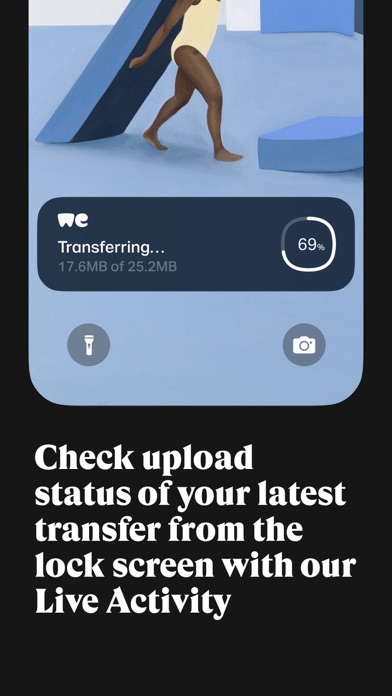
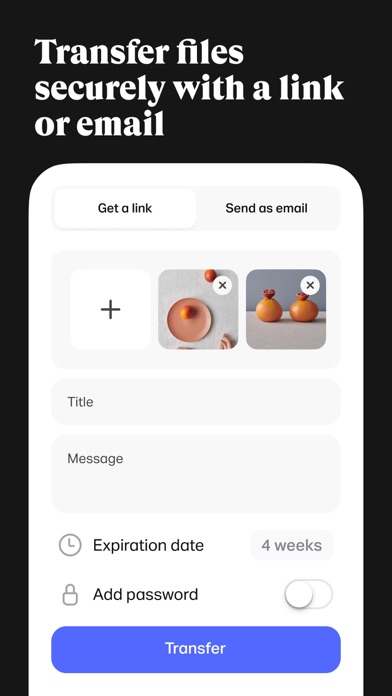
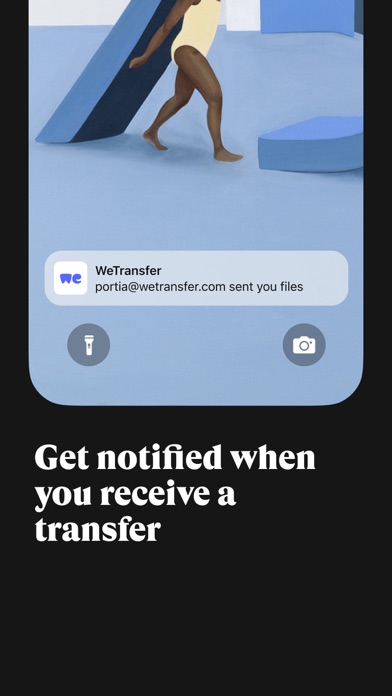
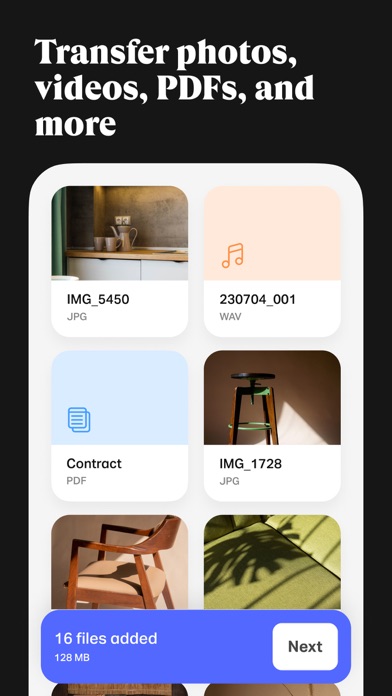
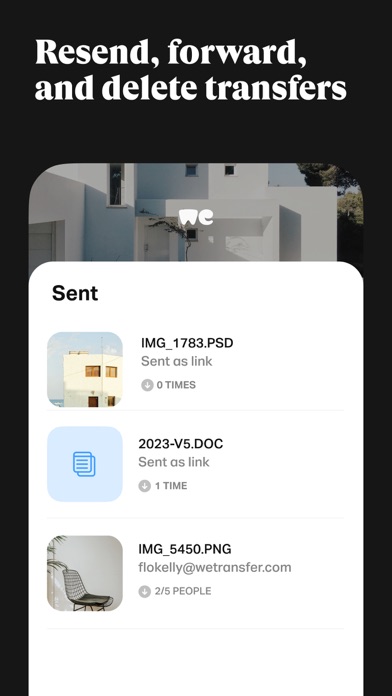
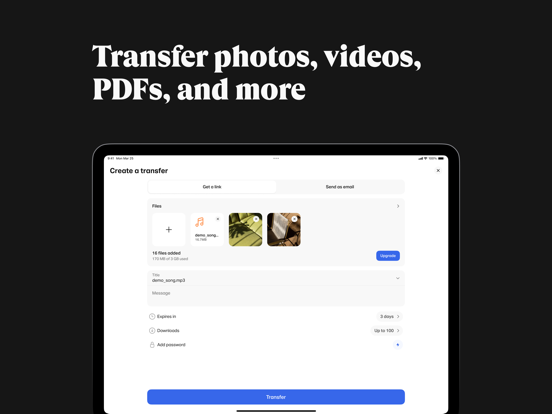
WeTransfer is the simplest way to send (and receive) big files. Whether you’re at your desk or on the go, transfer up to 200 GB in one go. That’s about 2000 videos of your cat. Share photos and videos in their original format, including all important Exif metadata that originates from camera. With WeTransfer, you can check download status, forward, delete transfers right from phone. If you previously sent a transfer laptop, can access files link in app, so easily paste it into favorite messaging app without needing to open computer. Our Live Activity notifies when a finishes uploading, so multitask or play a quick game while sending huge Notifications let know minute receive something so preview (or download) wherever are.
About us
Having made our name in the game of quick and simple file-sharing, WeTransfer has grown into a collection of tools designed for and inspired by the creative process. Collect is go-to app for saving sharing inspiration in boards that organize your ideas. Portals makes it easy to request feedback on your in progress projects with Reviews that include asset markup approval flows. WeTransfer is original web platform, where creatives share their biggest files.
Terms of Service: https://wetransfer.com/legal/terms
Privacy policy: https://wetransfer.com/legal/privacy
Store details
App Store
- Price: Free
- Rating: 4.8 from 73,729 ratings
- Version: 3.3.50
- Category: Productivity
- Content rating: 4+
Screenshots


Frequently asked questions
- Is WeTransfer: Transfer Files free?
- WeTransfer: Transfer Files is free to install from the official App Store listing.
- What devices does WeTransfer: Transfer Files run on?
- WeTransfer: Transfer Files is available on iOS.
- Who made WeTransfer: Transfer Files?
- WeTransfer: Transfer Files is developed by Wetransfer B.V..
- How is WeTransfer: Transfer Files rated?
- On App Store it has 4.8 from 73,729 ratings. Each store's ratings are shown separately and are never combined.
- Where can I get WeTransfer: Transfer Files?
- WeTransfer: Transfer Files links to its official App Store and Google Play listings. findmyapps.net does not host downloads.
Related Productivity apps
- TOR Browser: OrNET Onion + VPN — Stronger Apps
- Otter Transcribe Voice Notes — Otter.ai, Inc.
- Forms for Google Docs — Aurora Innovation
- BePresent: Screen Time Control — Screen Detox Inc
- Unrot: Earn your Screen Time — Unrot OÜ
- TickTick:To-Do List & Calendar — Appest Limited
- Brick - Ditch Distractions — Brick LLC (Wisconsin)
- VPN Windscribe: Fast & Secure — Windscribe Limited
- Manus - AI Agent & Automation — Butterfly Effect Pte. Ltd.
- VPN - Free VPN Fast Ⓡ — Aitiming Tech Pte. Ltd.
- 1Password: Password Manager — AgileBits Inc.
- Translator Go: AI Translate — MATdev