Microsoft SharePoint
App · Microsoft Corporation · Productivity
Get Microsoft SharePoint on the official store
We never host downloads — install from the official store.
Overview
Microsoft SharePoint is a Productivity app from Microsoft Corporation.
It is listed on both iOS and Android.
On the App Store, Microsoft SharePoint is free to install, is at version 5.0.1, sits in the Productivity category, carries a 4+ content rating, holds 4.6 from 137,274 ratings, and shows 10 screenshots.
On the Google Play, Microsoft SharePoint is free to install, sits in the PRODUCTIVITY category, carries a Everyone content rating, holds 4.0 from 34,027 ratings, and shows 6 screenshots.
The App Store and Google Play ratings are listed side by side exactly as each store reports them, and are never averaged into a single score.
findmyapps.net shows each store's listing as published and links out to the official App Store and Google Play pages; the stores' ratings are shown separately and never combined, and no downloads are hosted here.
Prices, versions, and ratings reflect the most recent check of the official stores and can change at any time, so confirm the current details on the official App Store and Google Play pages before installing Microsoft SharePoint.
About Microsoft SharePoint
Find files, news, sites and people - personalized for you and your organization. SharePoint infuses AI into the mobile app experience to keep you focused productive while on the go. AI builds an understanding of what work on, how work, how your colleagues' relates to When need expertise, content, or resources when you're on go, SharePoint is a great place to start looking.
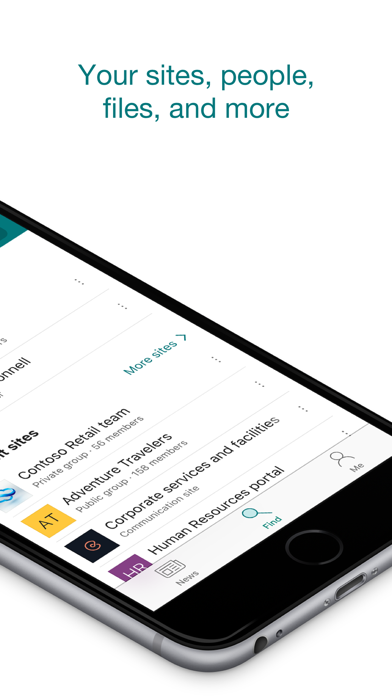
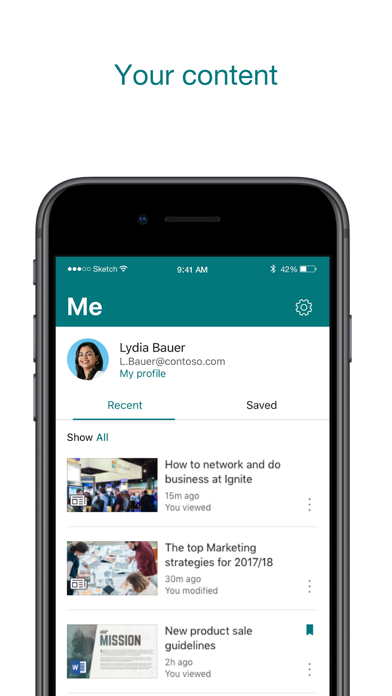
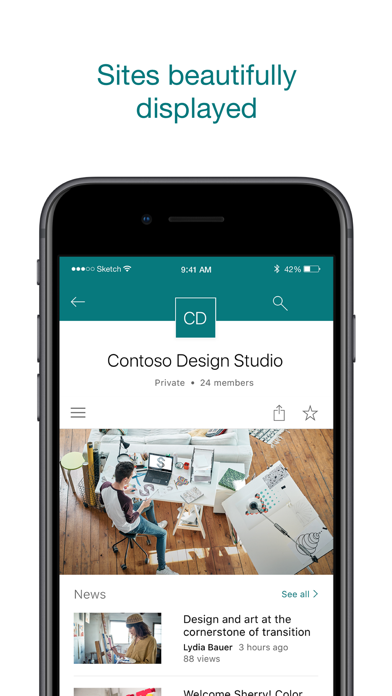
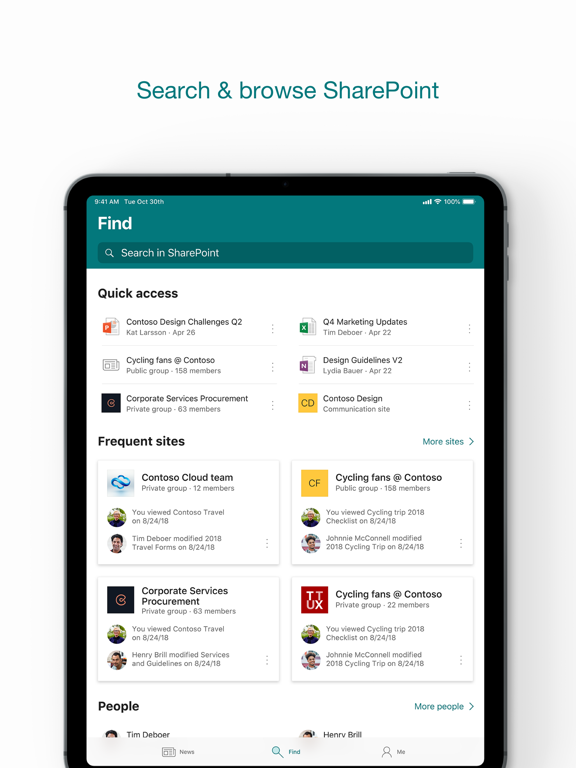
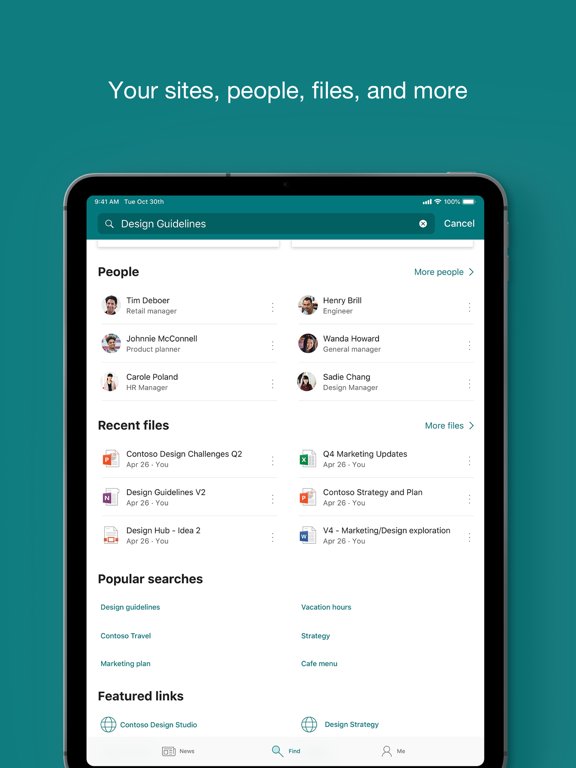
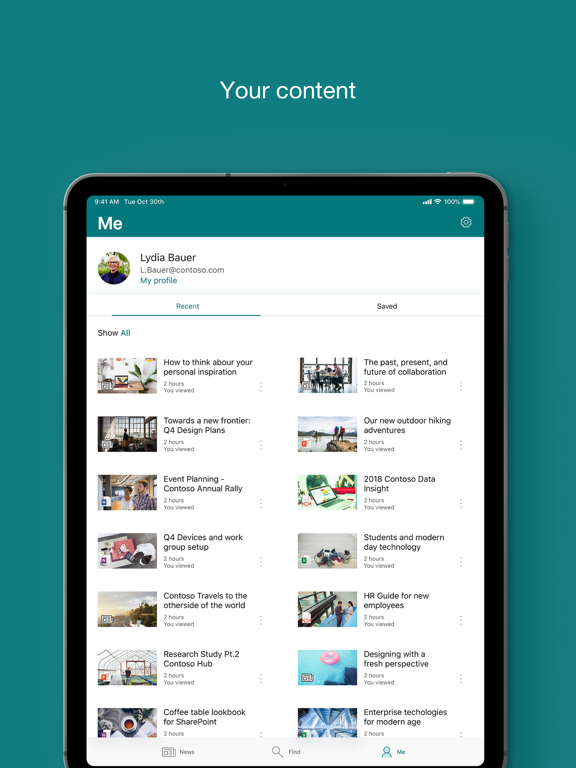
· Browse your sites, files, people and more to get back to what you were working on
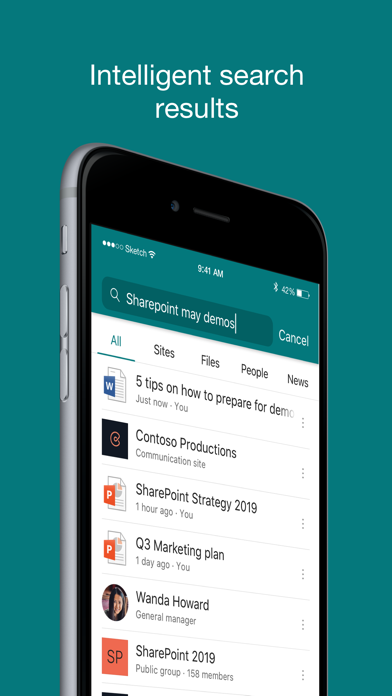
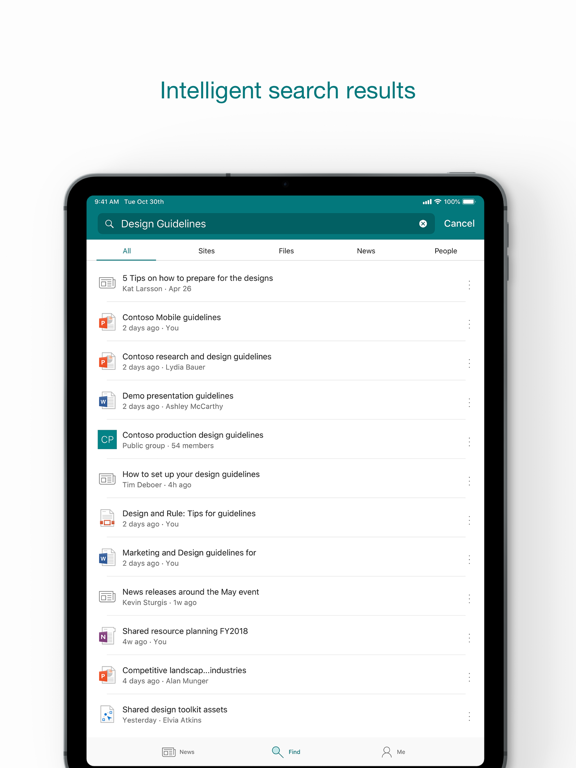
· Use search to find and discover important content
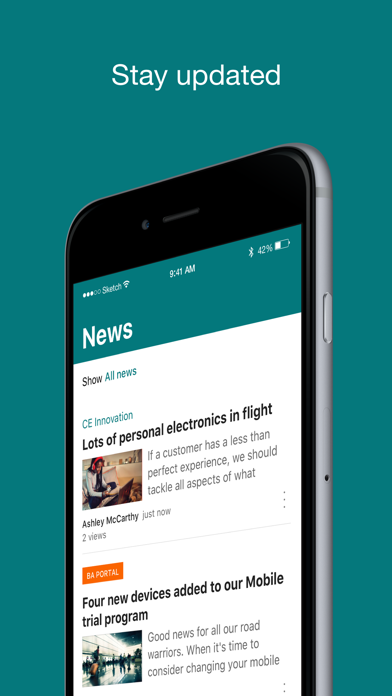
· Access your personalized view of team sites, communication sites, and news posts
· Tap on a user to get to their contact card and see who they work with and what they are working on
· Create news posts on the go and share your updates, reports, status, and experiences with your team
· Sign in to your SharePoint sites, whether they're in the cloud or on-premises. The app works with SharePoint Online and Server versions 2013 and higher
· Add multiple accounts, and easily switch between them
What people are saying:
The SharePoint mobile app has been featured in TechCrunch, The Verge, ZDNet, PCWorld and Computerworld.
Over 2 years of app store reviews:
"making collaboration easier than ever!!"""
"keeps me connected with my office documents and coworkers"
"seamless integration with other Office apps"
"it's so easy and simple to use!!"
Note: To sign in to SharePoint, your organization needs to have an Office 365 subscription that includes SharePoint Online or an on-premises Server.
This app is provided by Microsoft. Data provided through the use of this store and app may be accessible to Microsoft and transferred to, stored, processed in the United States or any other country where or its affiliates maintain facilities.
Store details
App Store
- Price: Free
- Rating: 4.6 from 137,274 ratings
- Version: 5.0.1
- Category: Productivity
- Content rating: 4+
Google Play
- Price: Free
- Rating: 4.0 from 34,027 ratings
- Category: PRODUCTIVITY
- Content rating: Everyone
Screenshots

Frequently asked questions
- Is Microsoft SharePoint free?
- Microsoft SharePoint is free to install from the official App Store and Google Play listing.
- What devices does Microsoft SharePoint run on?
- Microsoft SharePoint is available on iOS and Android.
- Who made Microsoft SharePoint?
- Microsoft SharePoint is developed by Microsoft Corporation.
- How is Microsoft SharePoint rated?
- On App Store it has 4.6 from 137,274 ratings; on Google Play it has 4.0 from 34,027 ratings. Each store's ratings are shown separately and are never combined.
- Where can I get Microsoft SharePoint?
- Microsoft SharePoint links to its official App Store and Google Play listings. findmyapps.net does not host downloads.
Related Productivity apps
- AI Chat Assistant – ChatNow — tappz
- Surfshark VPN: Fast VPN App — Surfshark
- ID.me Authenticator — ID.me
- ButterflyMX — ButterflyMX, Inc.
- Spaces: Follow Businesses — Wix.com Inc.
- Summary - AI Note Taker — Labhouse Mobile
- Proton Mail - Encrypted Email — Proton AG
- My Optimum — CSC Holdings, LLC.
- Opal: Screen Time Control — Opal OS
- WeTransfer: Transfer Files — Wetransfer B.V.
- TOR Browser: OrNET Onion + VPN — Stronger Apps
- Otter Transcribe Voice Notes — Otter.ai, Inc.